Chat with a website agent
Tell it what to change, add, rewrite, or improve. It names the page it edited at the start of every reply and ends with a tip.
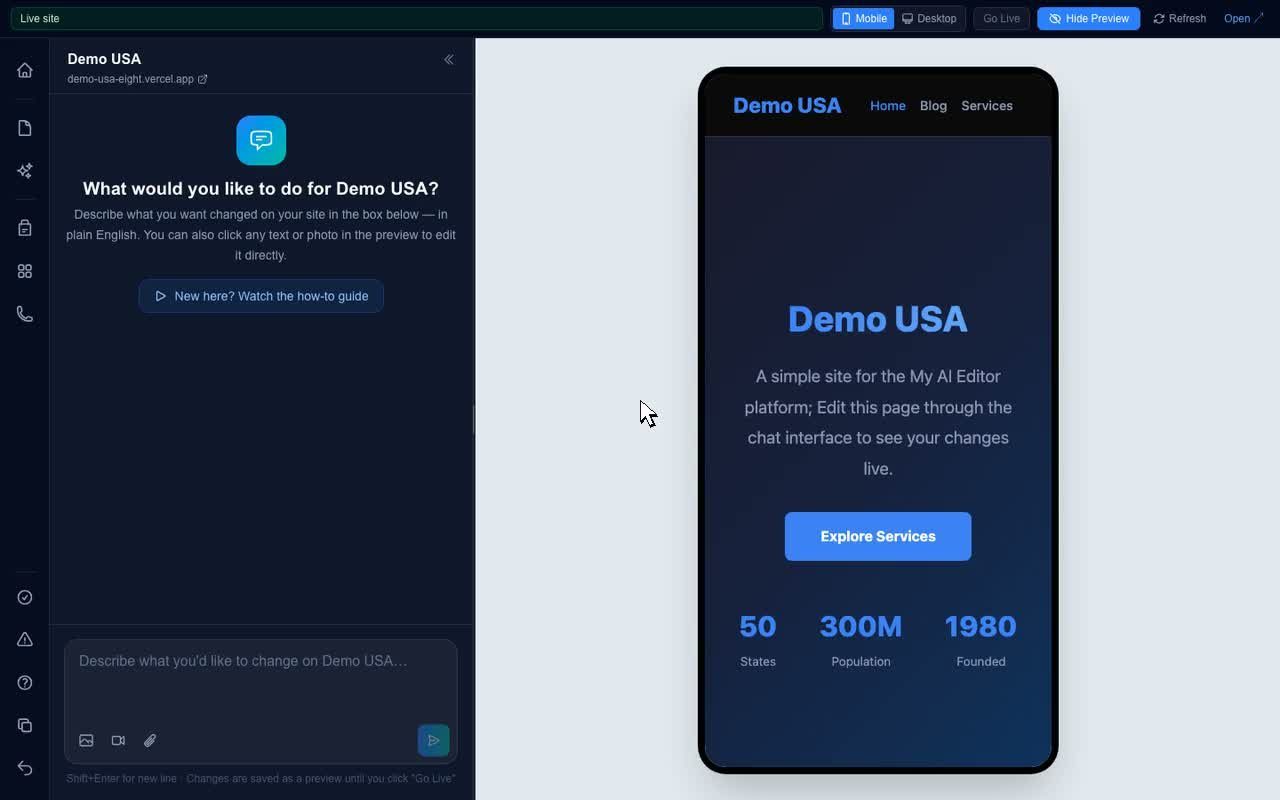
Chat with an AI agent that edits, manages, and improves your website. Click to edit text, click to replace photos, and press Go Live when you are ready.
Built and supported by Web Education Services. Included with every WES website.
Most website platforms were built before AI changed how people create and edit content, and then had AI bolted on later. My AI Editor was built the other way around: an AI agent that understands your website, a private preview where every change lands first, and one button to publish. It is Web Education Services' own platform, not a third-party tool that gets resold.
Tell it what to change, add, rewrite, or improve. It names the page it edited at the start of every reply and ends with a tip.
Every headline, paragraph, and photo in the preview is one click away. Menus, footers, buttons, and forms are protected so a stray click never breaks them.
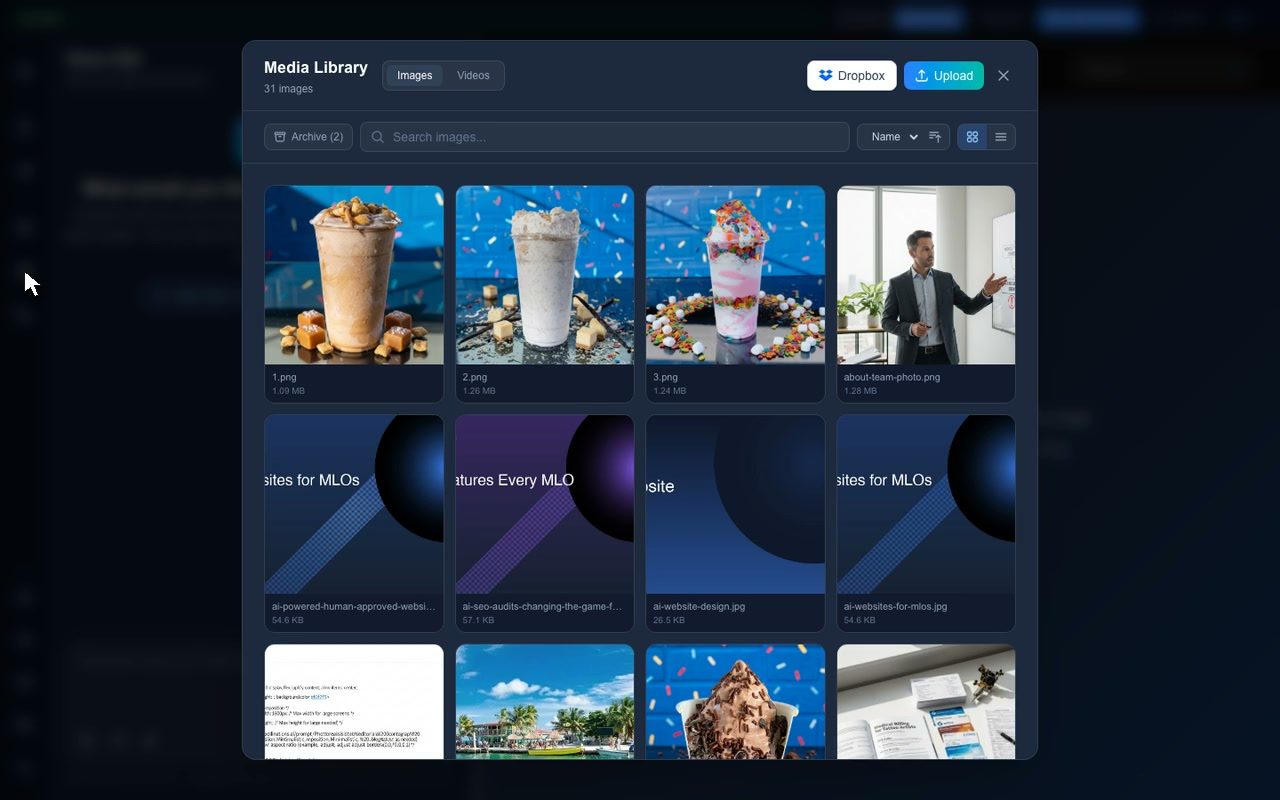
The Pages wizard builds a new page in your site's style and adds it to the menu. Blog posts get written, carded, and staged. The Media library holds every image and video.
Ask for better titles, descriptions, headings, internal links, FAQ sections, and answer-style content so Google AI Overviews and ChatGPT can understand your pages.
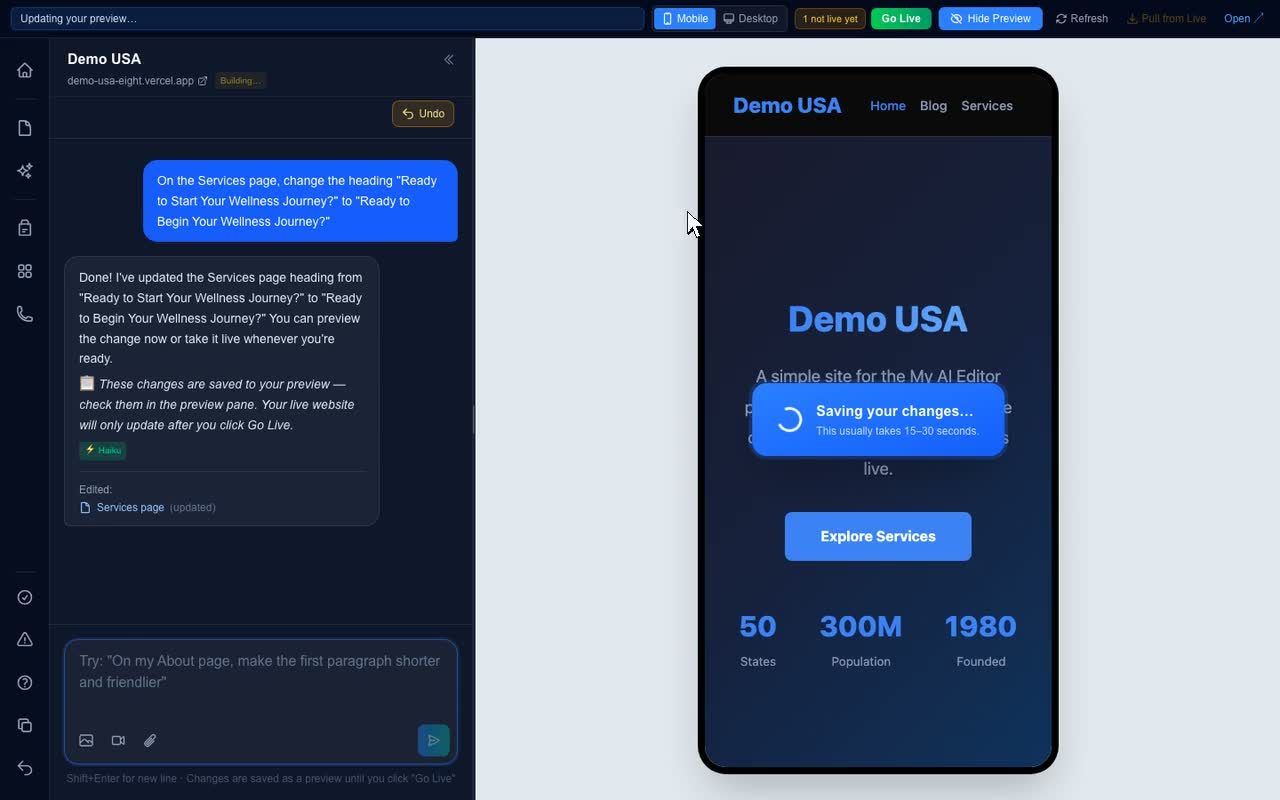
The amber counter shows what is waiting. Go Live publishes everything and saves a version you can restore later.
Sites stuck on Wix, Squarespace, or other drag-and-drop builders can be moved to a modern, fast site managed this way, with hands-on help for the migration.
Log in and choose your website One account can hold several sites. Pick the one you want to work on and the preview loads on the right.
Make changes three ways Chat a request, click text to retype it, or click a photo to replace it. Everything lands in your private preview.
Check the preview on mobile Switch to the Mobile view at the top of the preview and scroll. Most visitors are on phones.
Press Go Live Everything in the preview publishes together. The publish is saved in Version history.
The How It Works page walks through every tool with real recordings, and the demo script shows it live in ten minutes.
Read How It Works All servicesNothing goes live until you press Go Live.